Exciting Updates and Improvements
When educators speak, we listen. Explore the updates and improvements we've made to support teachers.
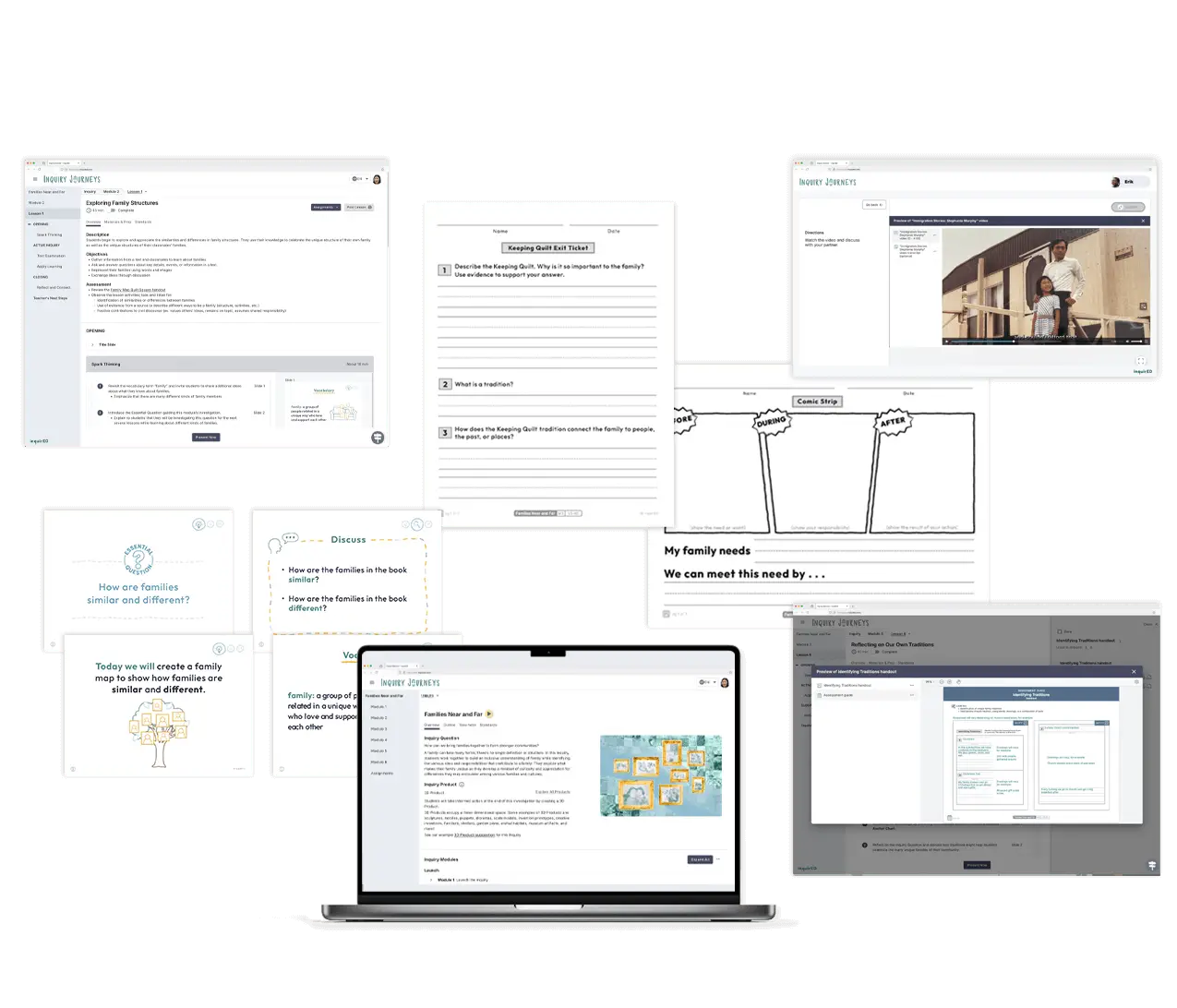

Co-Teacher Function
Your classroom, your collaborators
Multiple teachers can now work together in a single class, with roles and permissions that match how your district manages rostering. Co-teachers, interventionists, and long-term subs each get their own access with no shared logins.
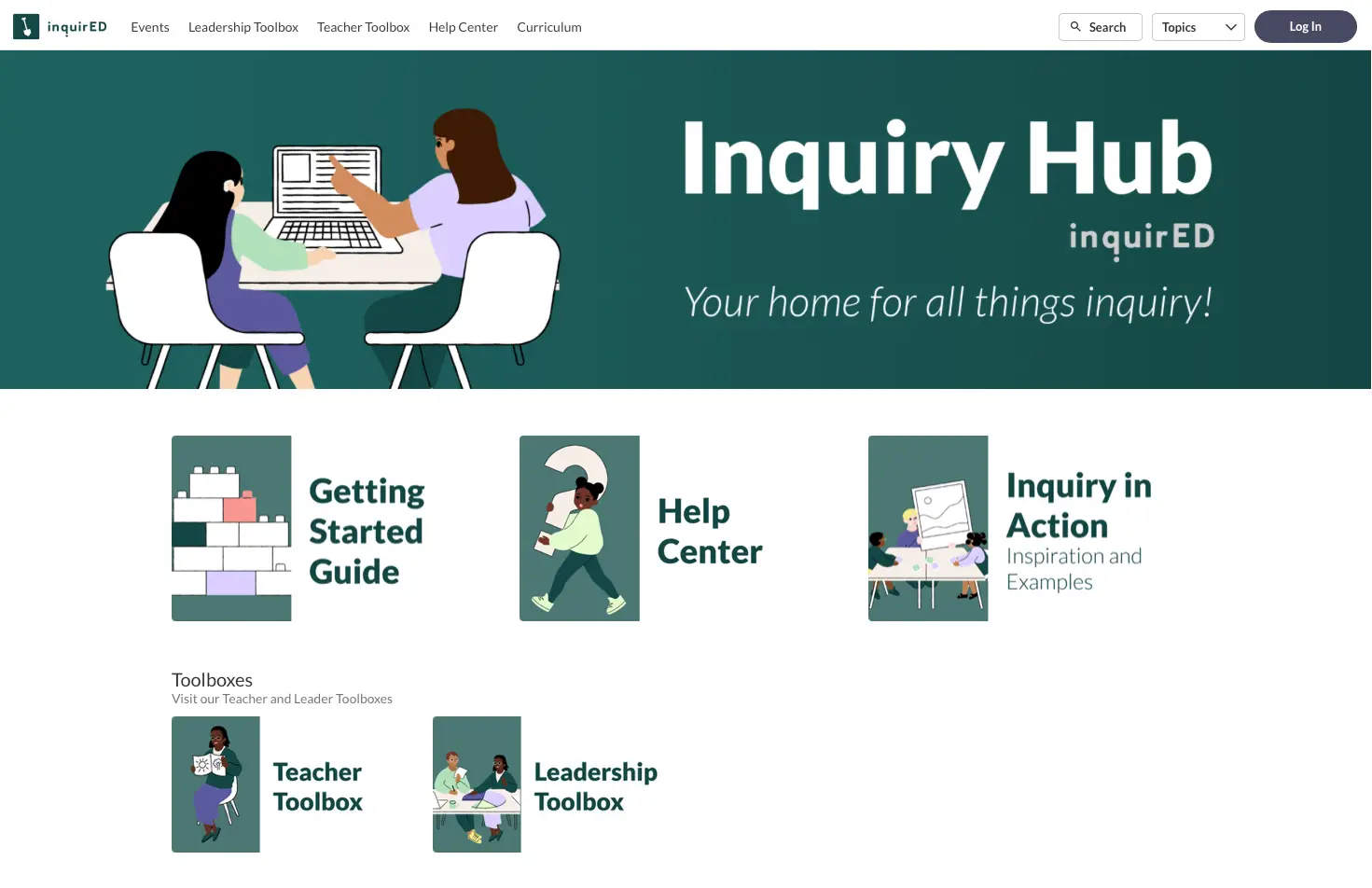
Inquiry Hub Updates
A hub that works hard for you
The Inquiry Hub has been updated with clearer organization, improved navigation, and new resources designed for how you actually use it. Whether you're planning a unit, preparing for a team meeting, or supporting a new teacher, what you need is easier to find.
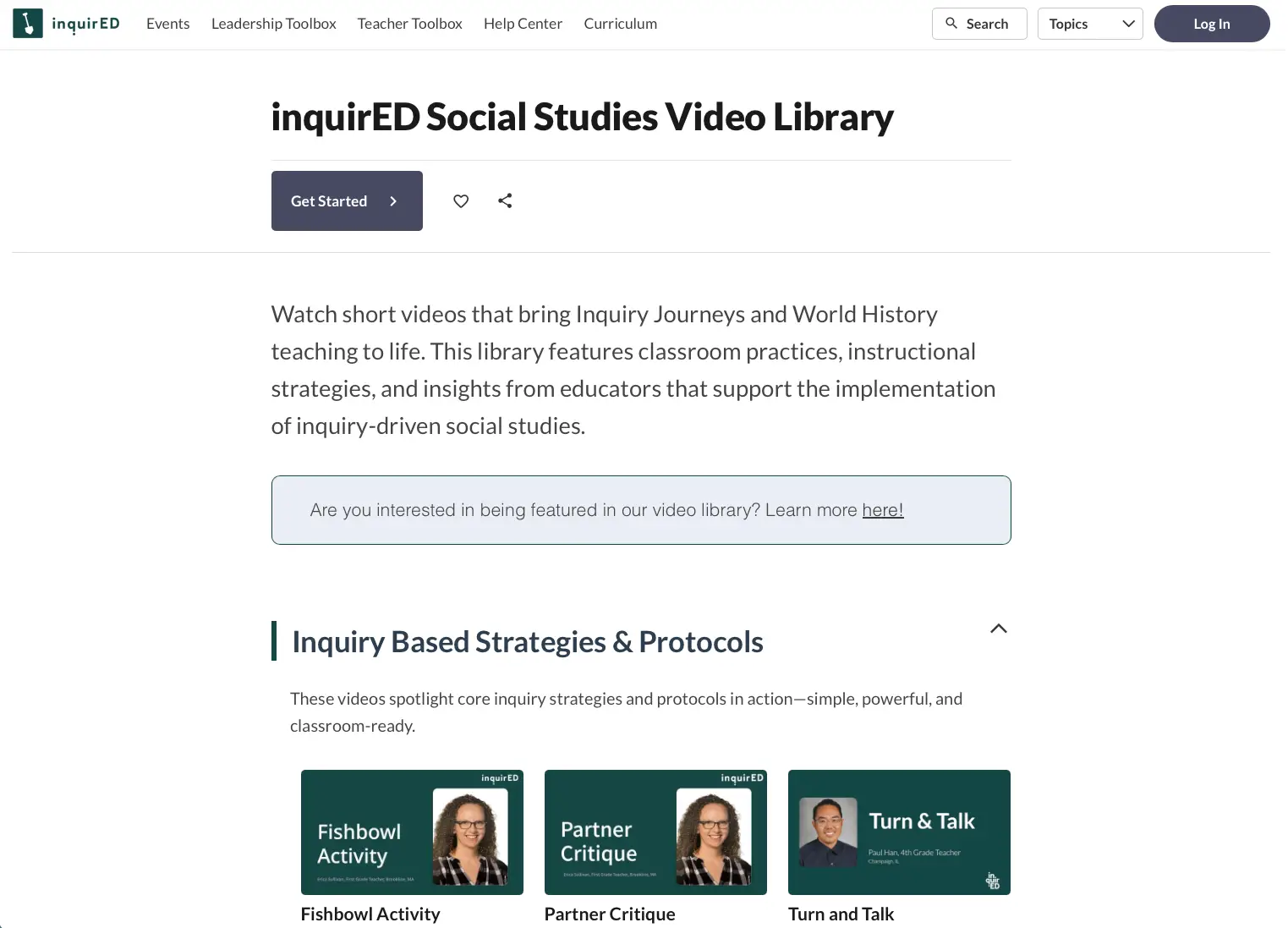
Social Studies Video Library
See what inquiry looks like in classrooms
The Inquiry Hub now includes a video library with classroom footage, protocol walkthroughs, and real examples of structured inquiry across grade levels. Share something at a team meeting, walk a new teacher through a discussion protocol, or see how other classrooms handle a specific moment.
Integrations
Less setup and more teaching
Automated rostering with Clever and ClassLink keeps teachers, students, and classes in sync with no manual setup required. LTI 1.3 integrations with Canvas and Schoology let teachers launch assignments directly from their LMS.

Curriculum Update Log
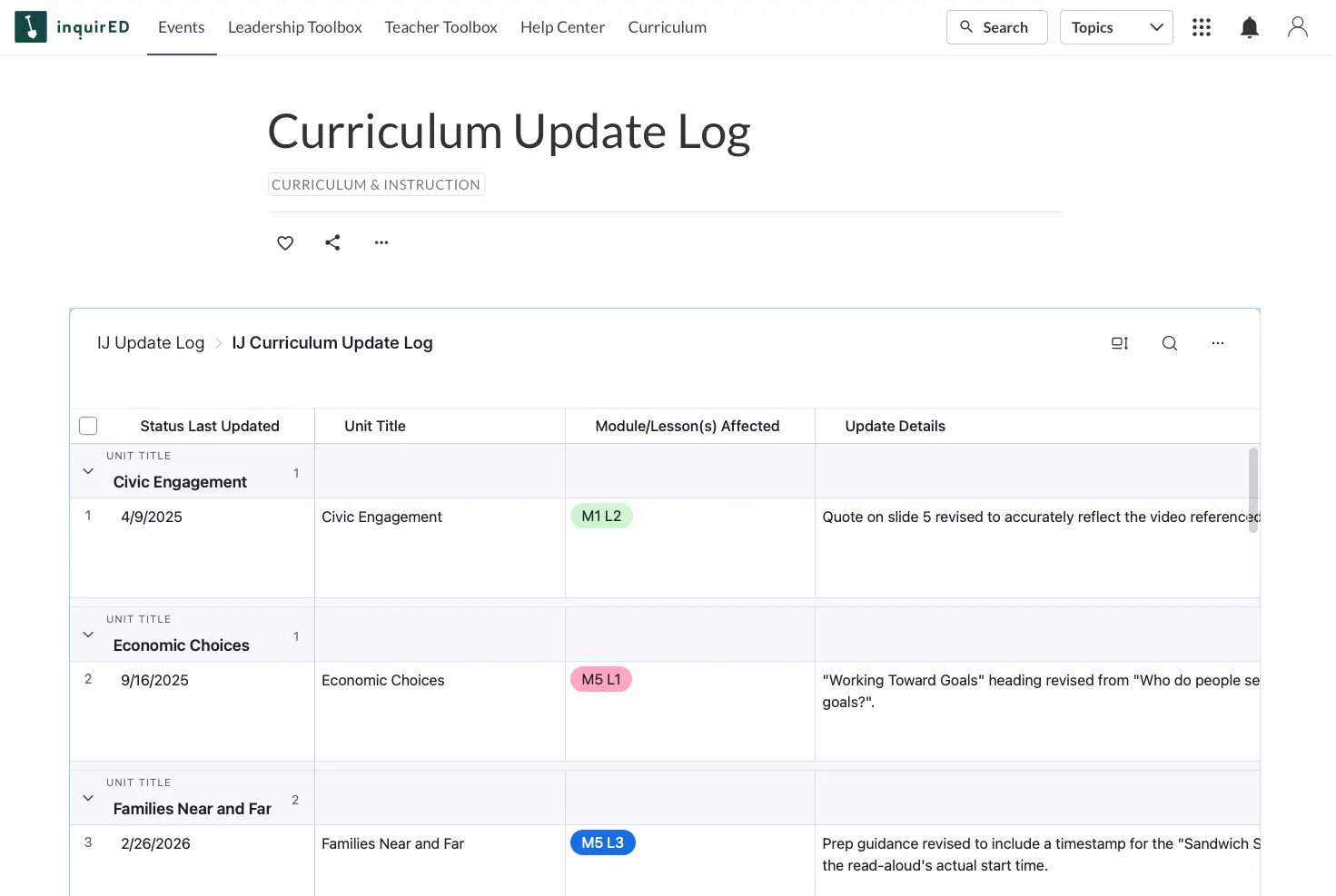
Always know what changed
The Inquiry Hub now includes a running log of curriculum updates, pulled directly from our content team as changes happen. You can see what changed and open the update log.
Inquiry Work Gallery
Check out the amazing work that inquirED teachers and leaders have shared this school year
Click on a thumbnail below to expand and view more images.

Using the Inquiry process, students decided to make a cookbook using a family recipe that represented their cultural background. Students cooked the dish at home; many students took pictures of themselves preparing it and included it in the cookbook. Cookbooks were shared with students and their families.
Global Connections
3rd Grade
Final Product


.png)
Using the Inquiry process, students decided to make a cookbook using a family recipe that represented their cultural background. Students cooked the dish at home; many students took pictures of themselves preparing it and included it in the cookbook. Cookbooks were shared with students and their families.
Additional Info
Barbara Mastin from Deerfield Public Schools District 109: IL, 3rd Grade
Our State and Region
4th Grade
Final Product
Additional Info
Molly Mancinelli from Lake Washington School District: WA, 4th Grade
Students who created this project investigated the State of Illinois and the various landmarks that they felt were relevant to its history. They created a timeline, as well, incorporating events in the country's past that were important to Illinois, as well as resources and indigenous peoples that were a part of our past, present, and future.
Our State and Region
4th Grade
Final Product
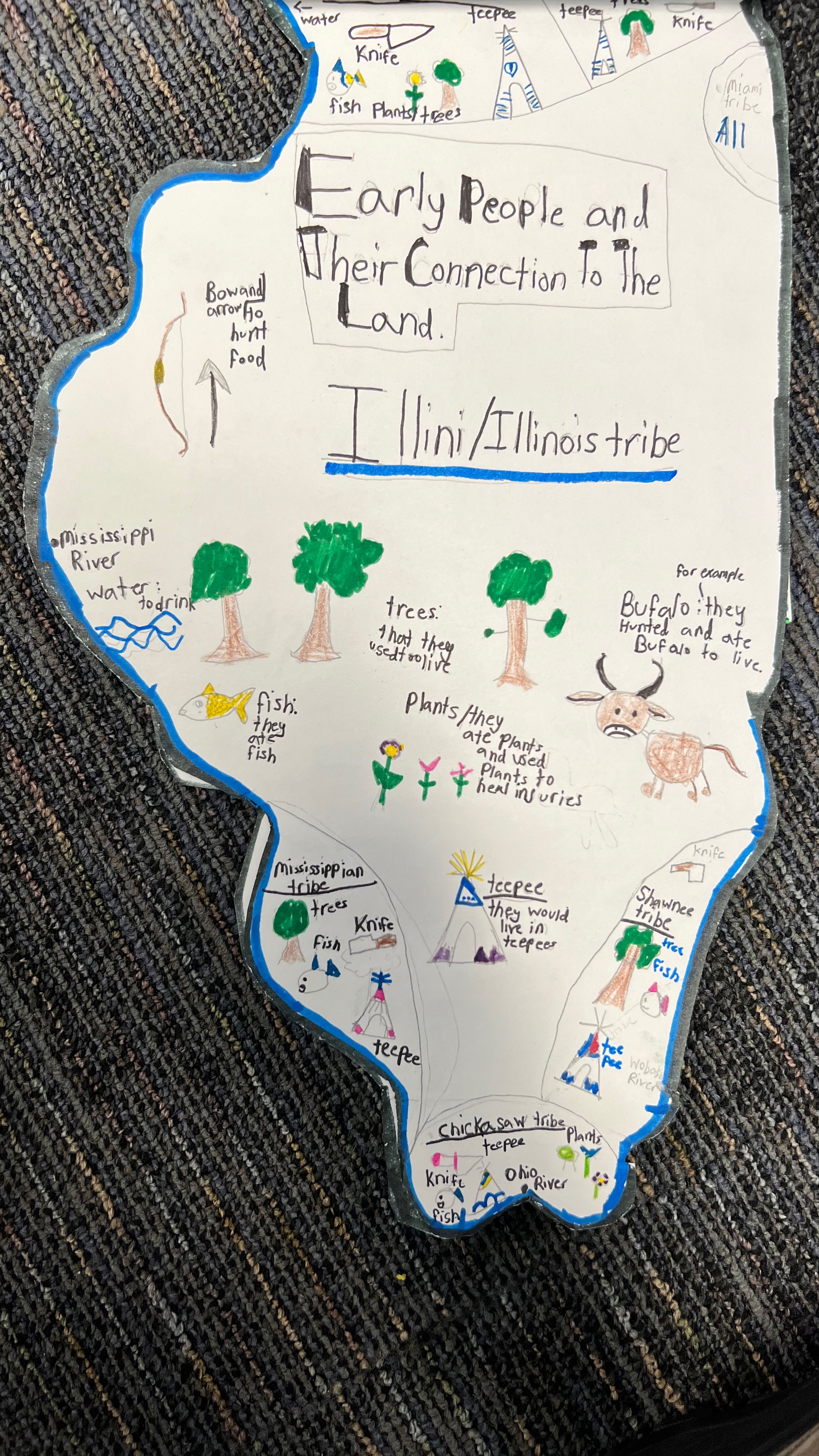
Students who created this project investigated the State of Illinois and the various landmarks that they felt were relevant to its history. They created a timeline, as well, incorporating events in the country's past that were important to Illinois, as well as resources and indigenous peoples that were a part of our past, present, and future.
Additional Info
Jason Pazol from Kildeer Countryside Community Consolidated School District 96: IL, 4th Grade
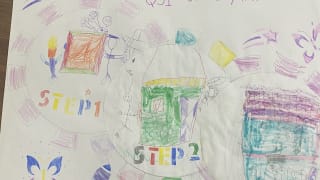
This mural was inspired by a group project we completed in the beginning of the year. We reflected on our work and recreated a mural to show how we worked as individuals to create a product as a team.
My Team and Self
Kindergarten
Final Product
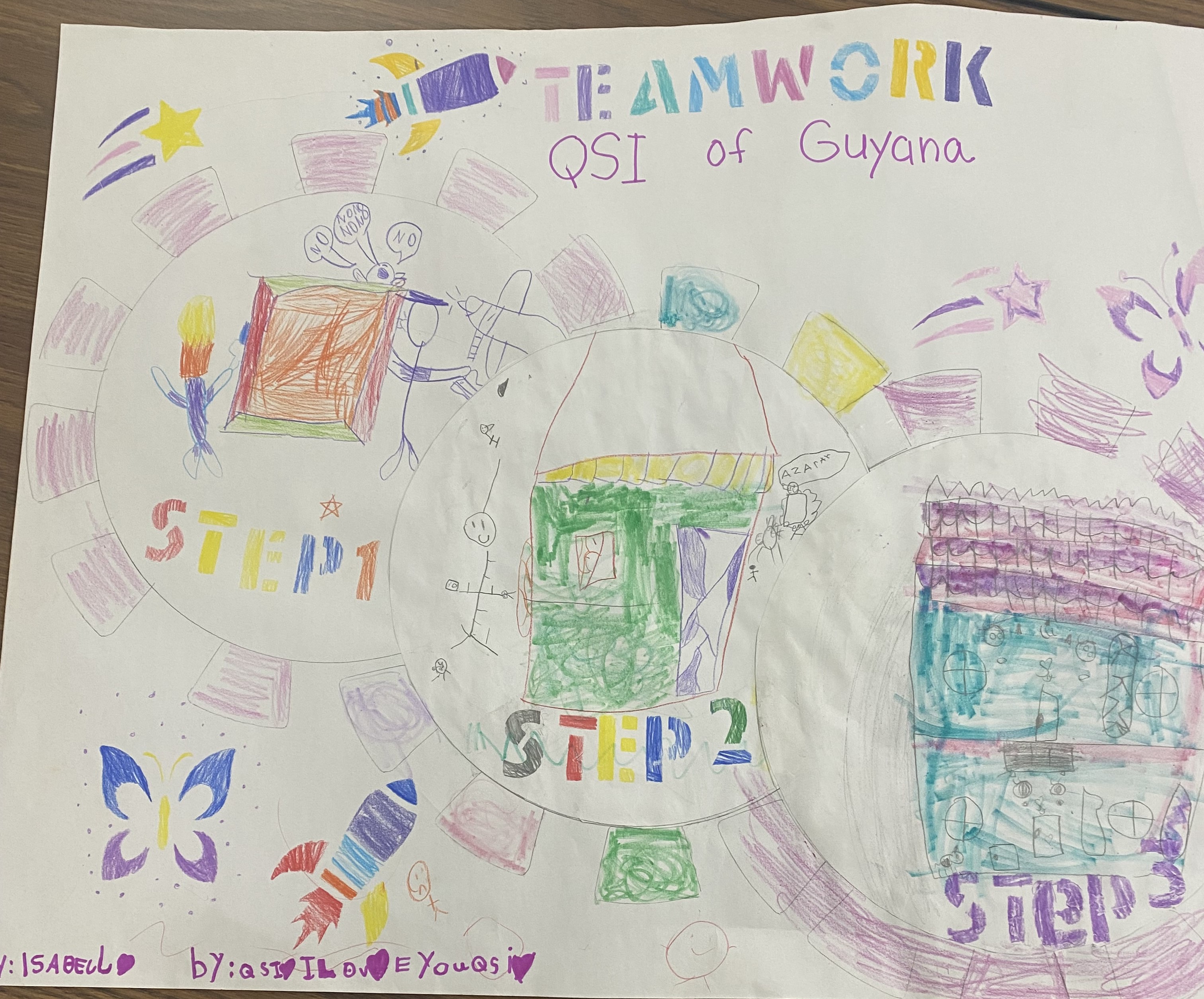
This mural was inspired by a group project we completed in the beginning of the year. We reflected on our work and recreated a mural to show how we worked as individuals to create a product as a team.
Additional Info
Paula Walker from Quality Schools International: IT, Kindergarten, 1st Grade
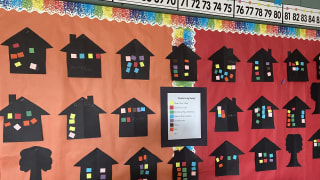
We learned about all kinds of families and what makes our family special. We did the Vin Diagram as a group. We than build our "family" home with all its members and shared with each other. They saw graphically the similarities and differences by comparing the color codes on each house.
Families Near and Far
1st Grade
Wall Display
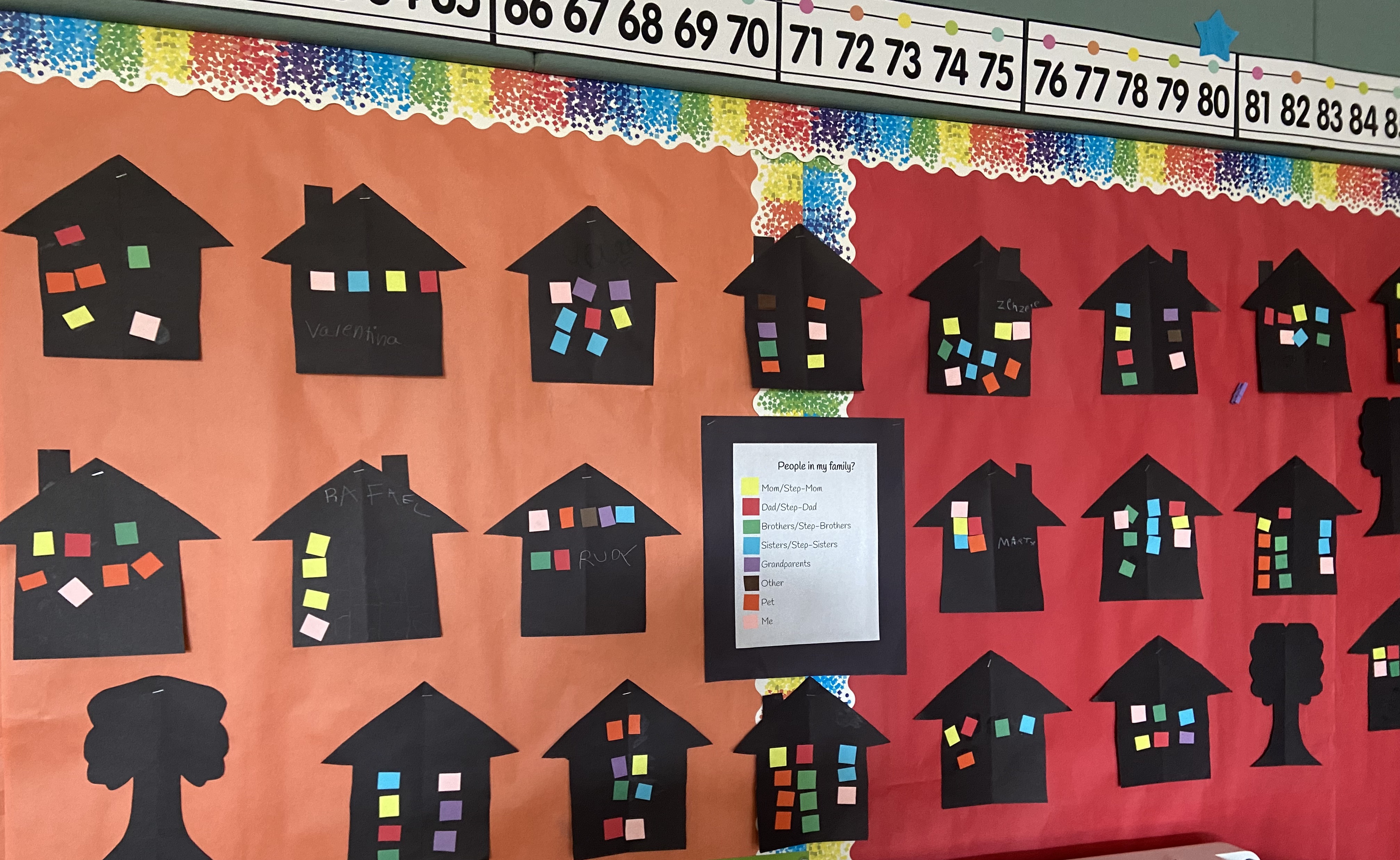
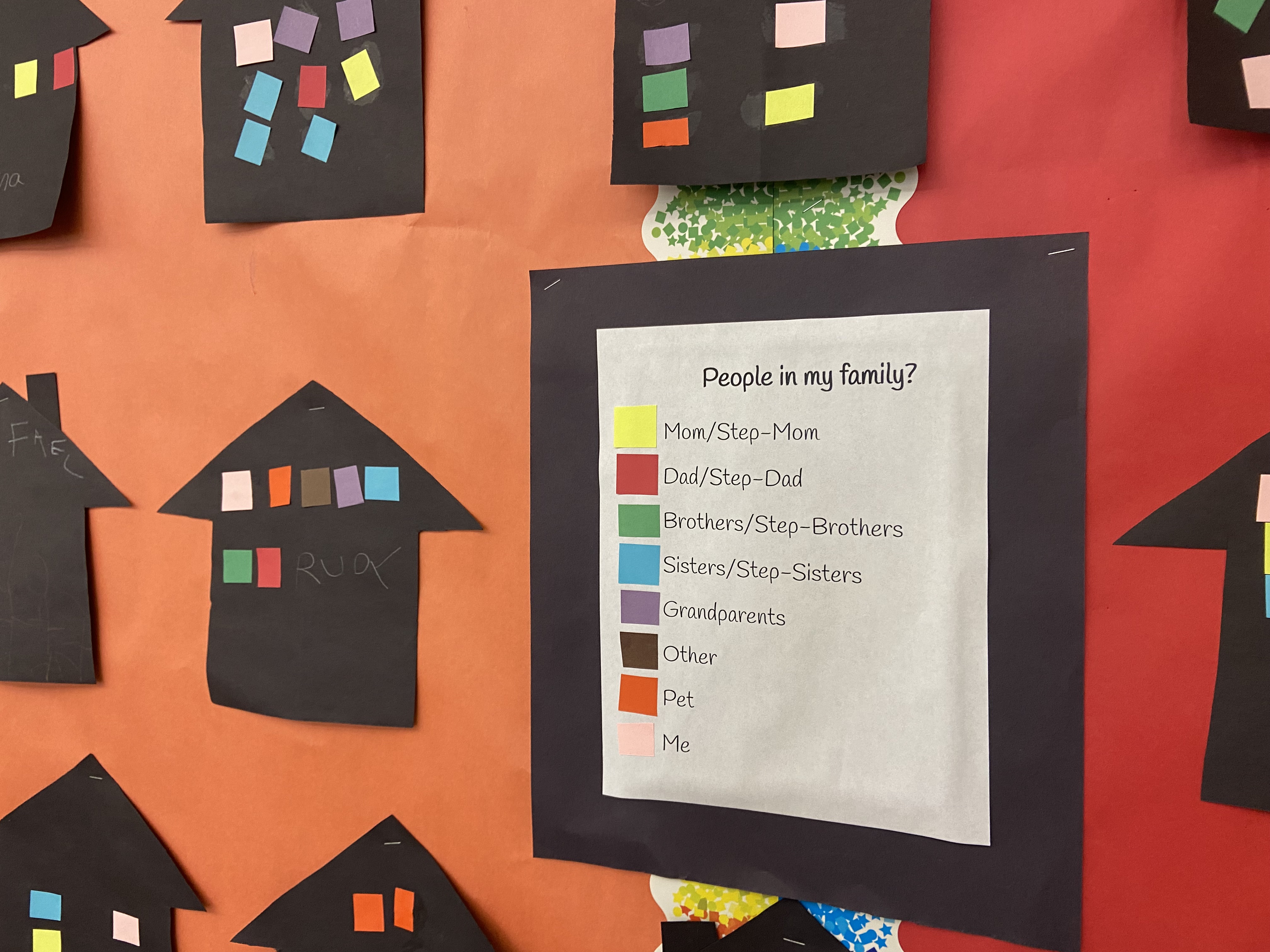
We learned about all kinds of families and what makes our family special. We did the Vin Diagram as a group. We than build our "family" home with all its members and shared with each other. They saw graphically the similarities and differences by comparing the color codes on each house.
Additional Info
Ali Bower from Alameda Unified School District: CA, 1st Grade
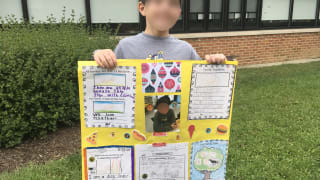
Students took the individual quilt square assignments and combined them into a larger mural that represented who they are!
Families Near and Far
1st Grade
Final Product
Students took the individual quilt square assignments and combined them into a larger mural that represented who they are!
Additional Info
Barbara Mastin from Deerfield Public Schools District 109: IL, 1st Grade
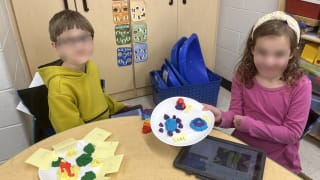
Students used Play-doh to create a landform they learned about. They then made a video on Seesaw showing their landform and explaining what they knew about it. Some teachers had students create the landforms and use them in their final unit map project.
Our Special Location
1st Grade
Other
Students used Play-doh to create a landform they learned about. They then made a video on Seesaw showing their landform and explaining what they knew about it. Some teachers had students create the landforms and use them in their final unit map project.
Additional Info
Barbara Mastin from Deerfield Public Schools District 109: IL, 1st Grade
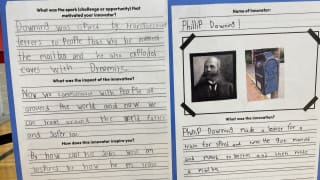
Students researched an innovator, completing the profile handout. These were on display at an innovation fair held by the school.
Innovation
2nd Grade
Handout


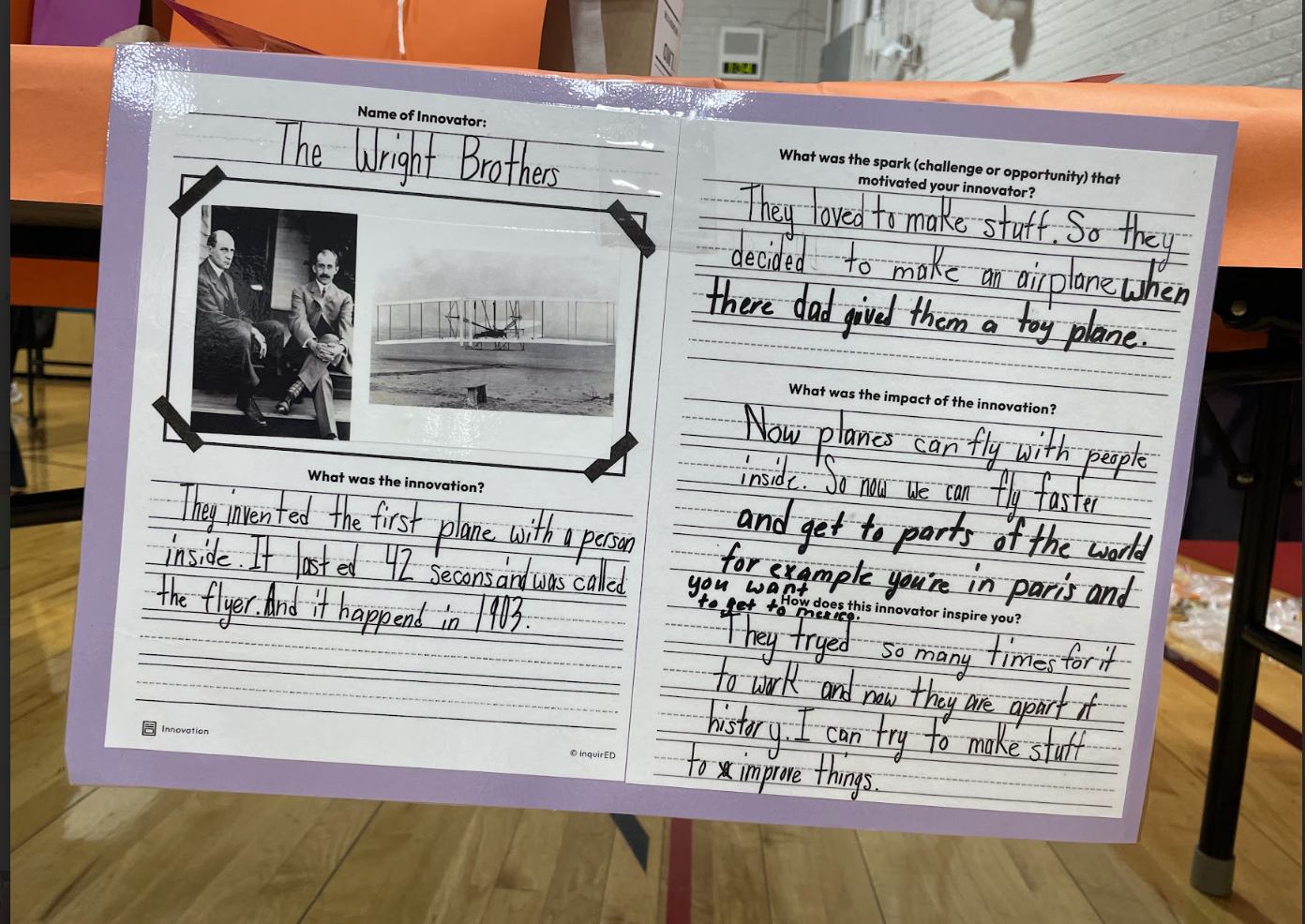
Students researched an innovator, completing the profile handout. These were on display at an innovation fair held by the school.
Additional Info
Barbara Mastin from Deerfield Public Schools District 109: IL, 2nd Grade
These pictures are from Module 8 of The Human Story. The kids are reflecting on what they've learned from the stories throughout the year. They used post-its to react to the questions on each piece of chart paper and then did a gallery walk to look at each other's responses.
The Human Story
6th Grade
Other
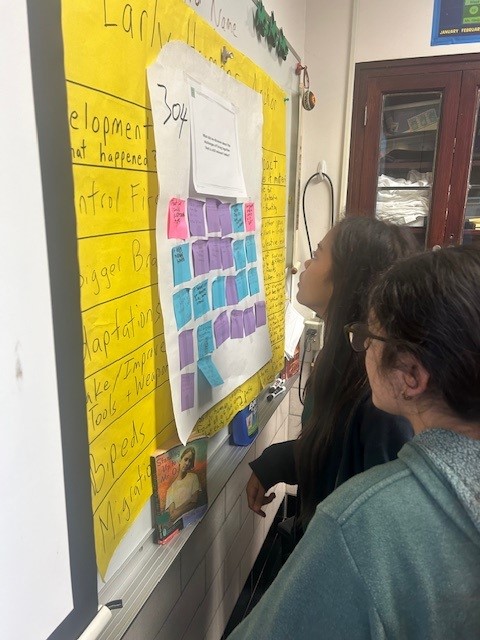
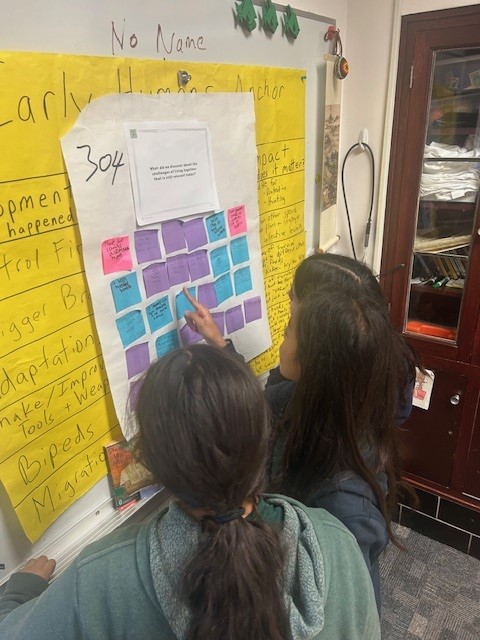
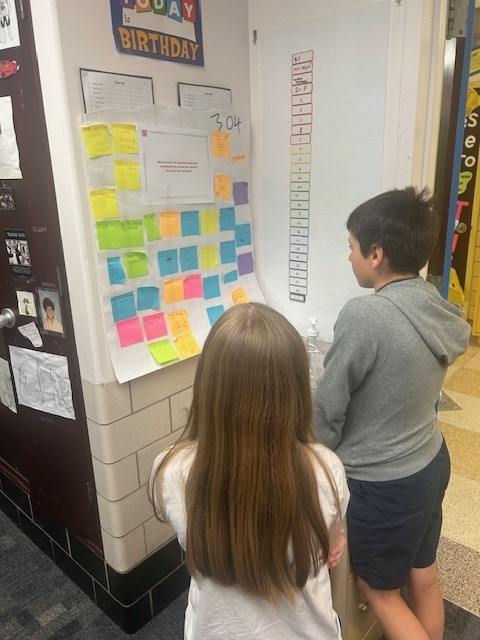
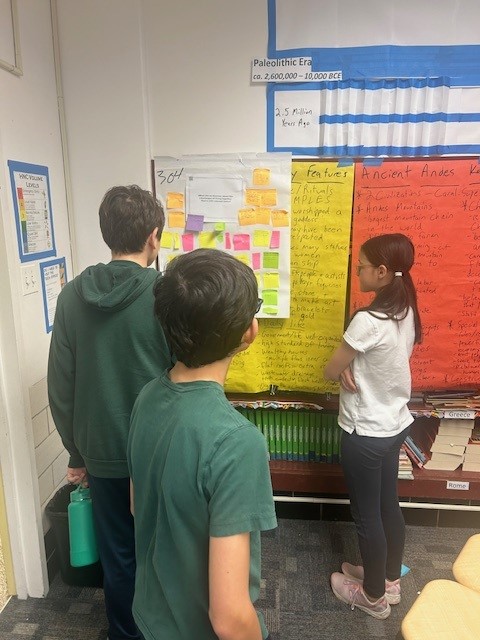
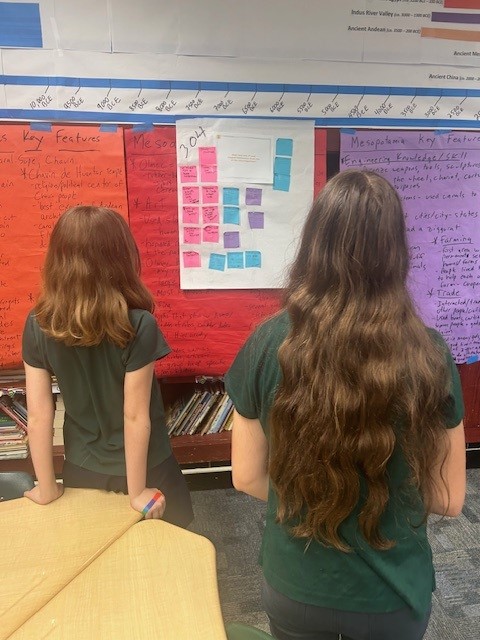
These pictures are from Module 8 of The Human Story. The kids are reflecting on what they've learned from the stories throughout the year. They used post-its to react to the questions on each piece of chart paper and then did a gallery walk to look at each other's responses.
Additional Info
John ORourke from The Frances Xavier Warde School: IL, 6th Grade
My students love adding drawings to the region they are investigating! Celebrating Native America culture has been a blast for these 5th graders!
Native America
5th Grade
Wall Display
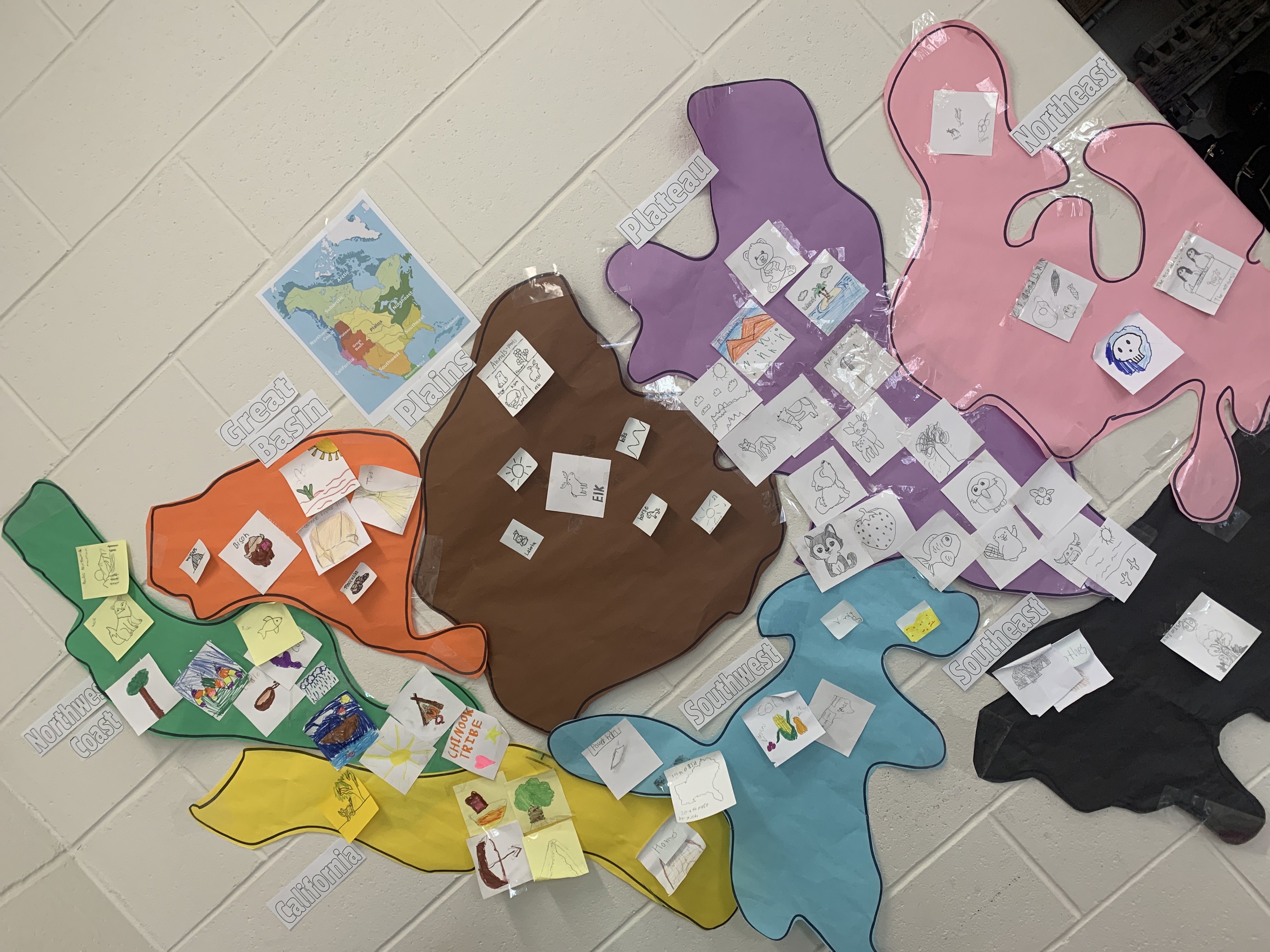
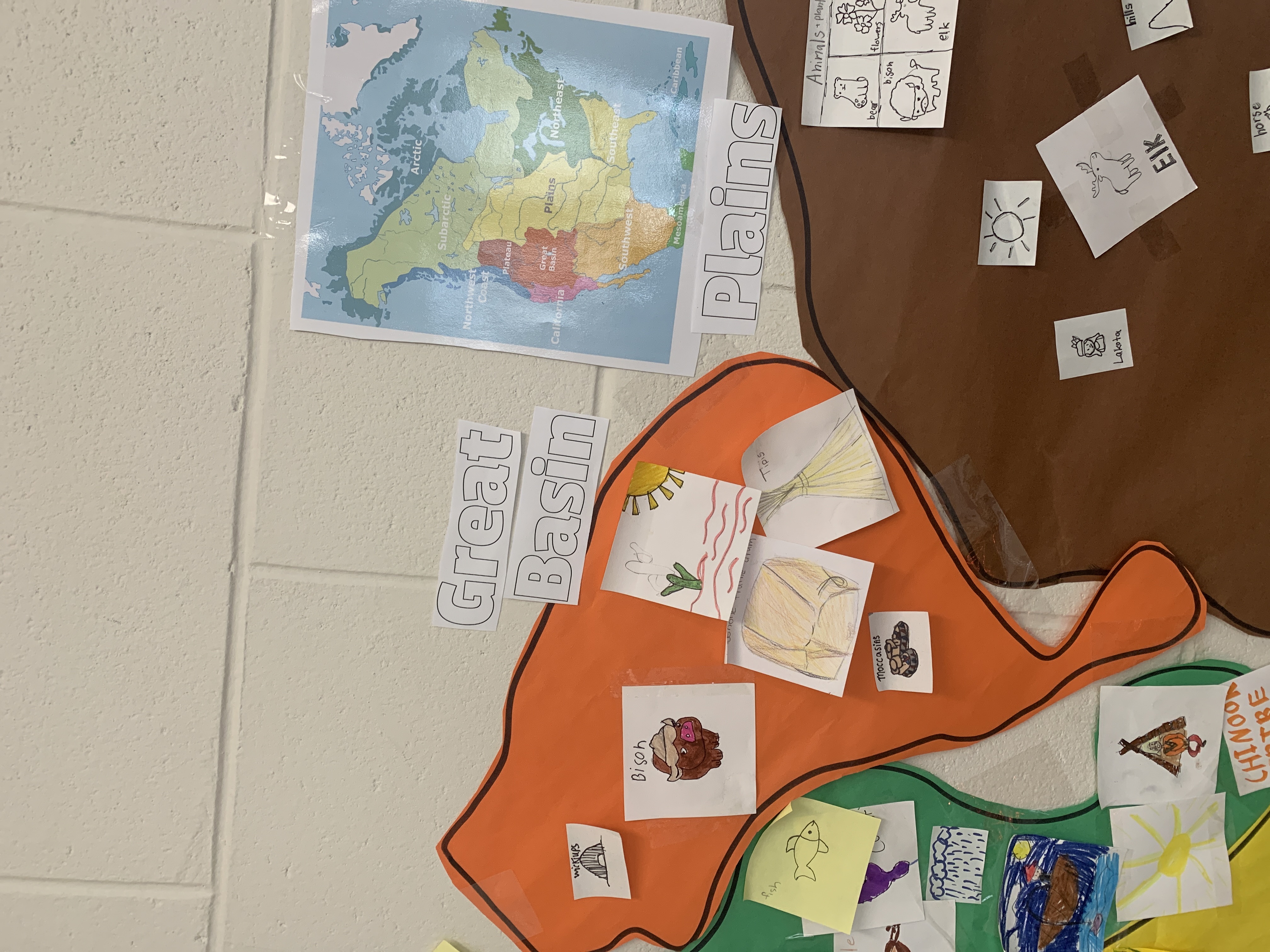
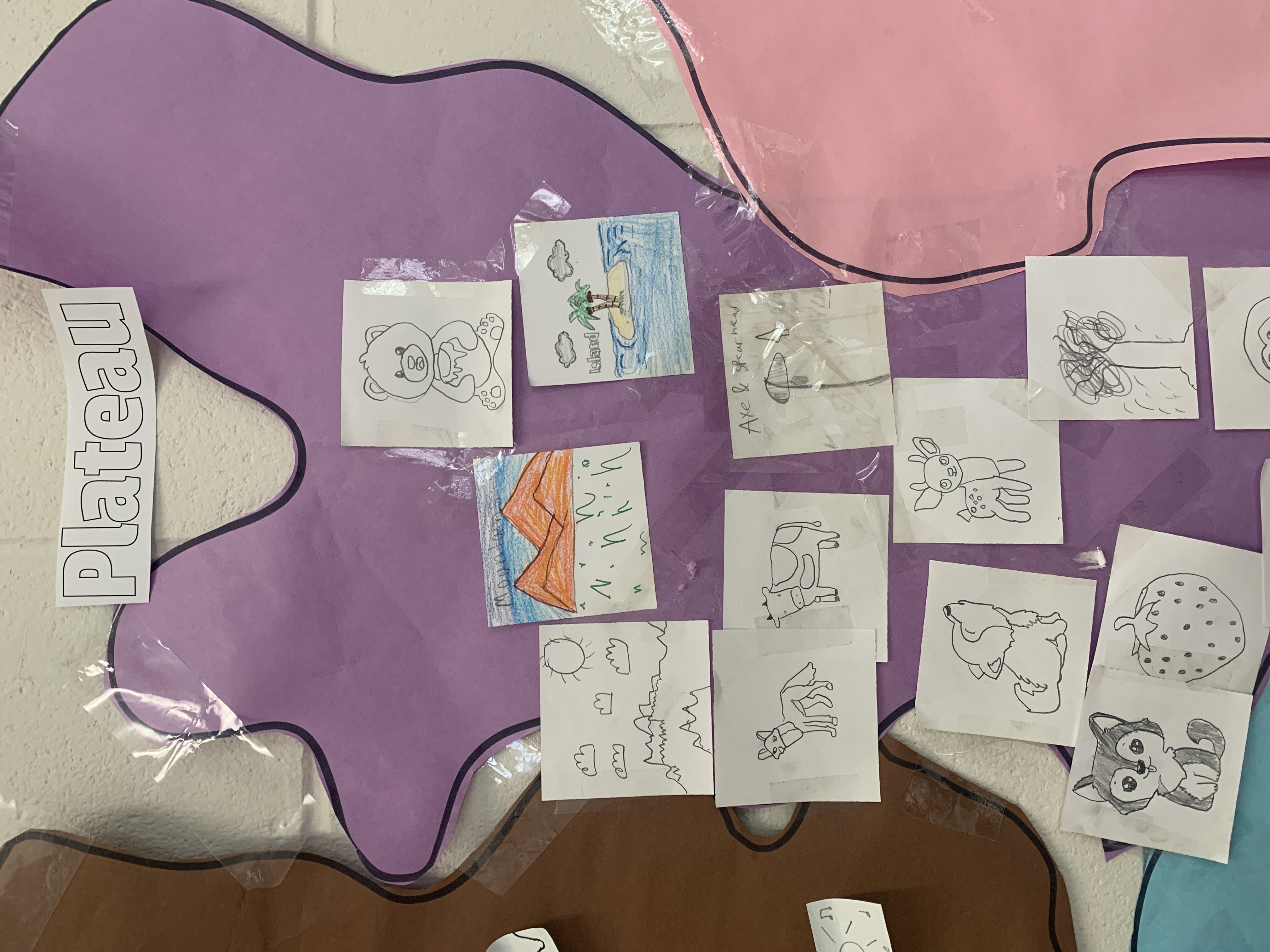
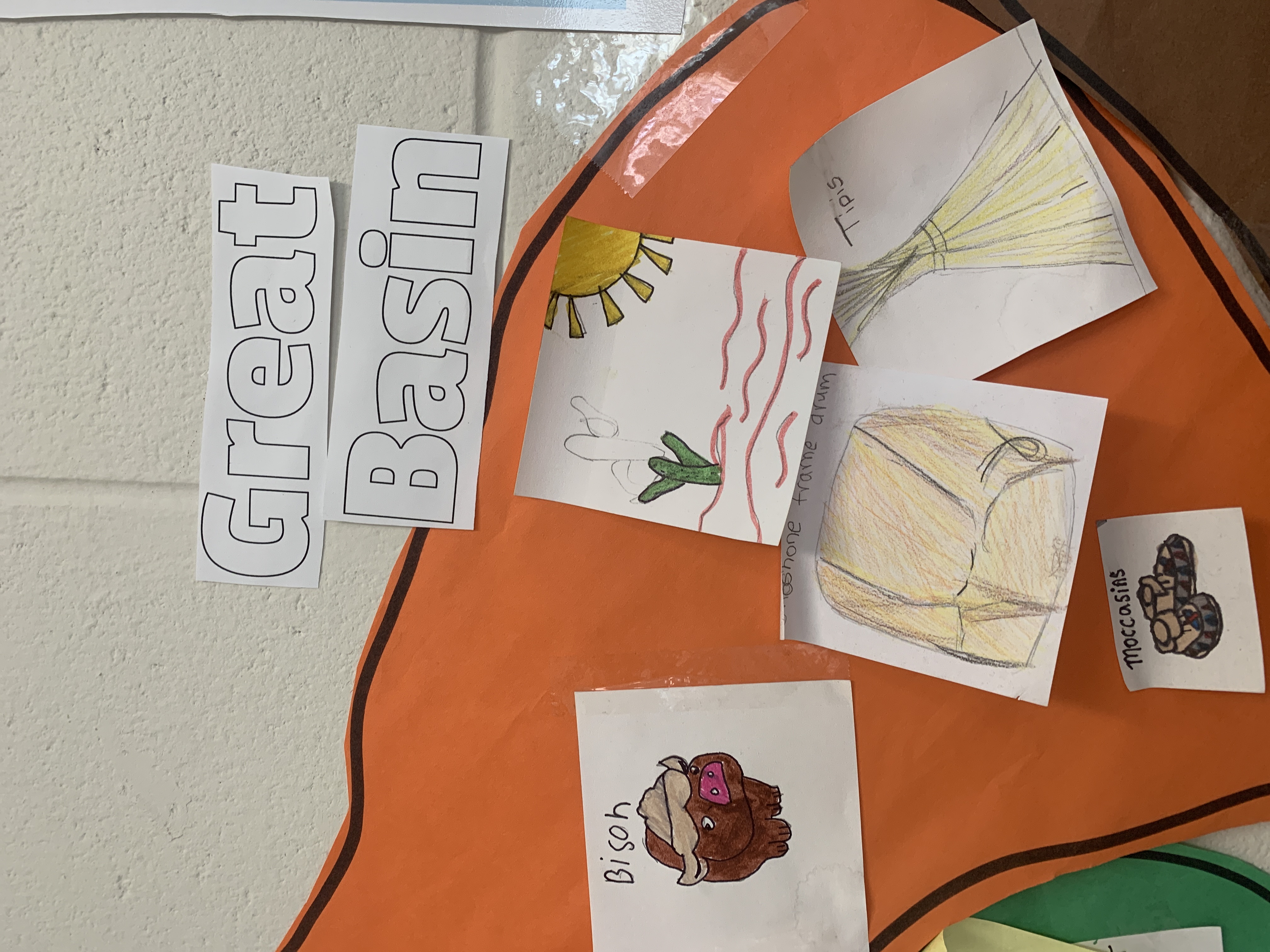
My students love adding drawings to the region they are investigating! Celebrating Native America culture has been a blast for these 5th graders!
Additional Info
Brielle Morgan from South Brunswick School District: NJ, 5th Grade
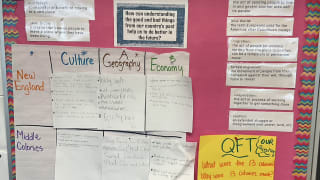
I like to use a jigsaw method when it comes to creating class anchor charts. This way, the students have more ownership of the information, and they have a chance to be leaders and present the information that they learned. The anchor chart that you see was created by student small groups who reread the text to collect information on the differences between the regional colonies. We also rephrase the essential question into our own words which helps ESL students and all students in my classroom to promote better understanding.
The Colonial Era
5th Grade
Wall Display

I like to use a jigsaw method when it comes to creating class anchor charts. This way, the students have more ownership of the information, and they have a chance to be leaders and present the information that they learned. The anchor chart that you see was created by student small groups who reread the text to collect information on the differences between the regional colonies. We also rephrase the essential question into our own words which helps ESL students and all students in my classroom to promote better understanding.
Additional Info
Elizabeth Nielsen from Skokie District 68: IL, 5th Grade
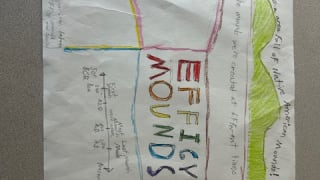
Students worked in small groups, presented to their classmates, and then we hung the posters in the hallway for the entire school to see.
Our State and Region
4th Grade
Final Product
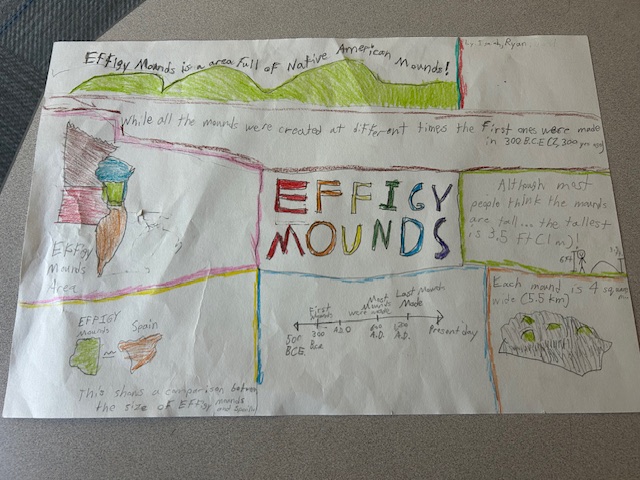
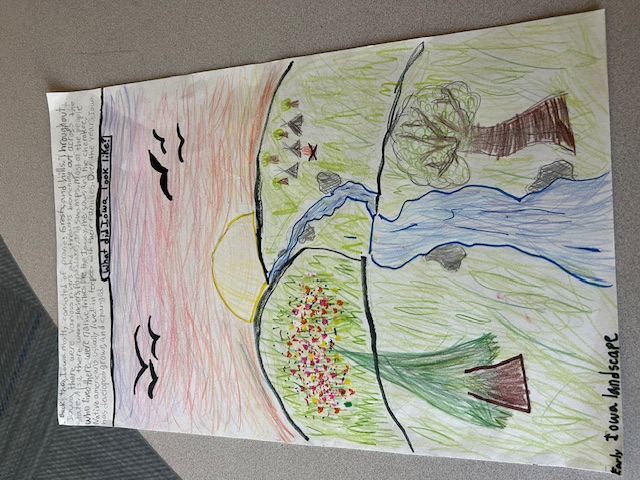
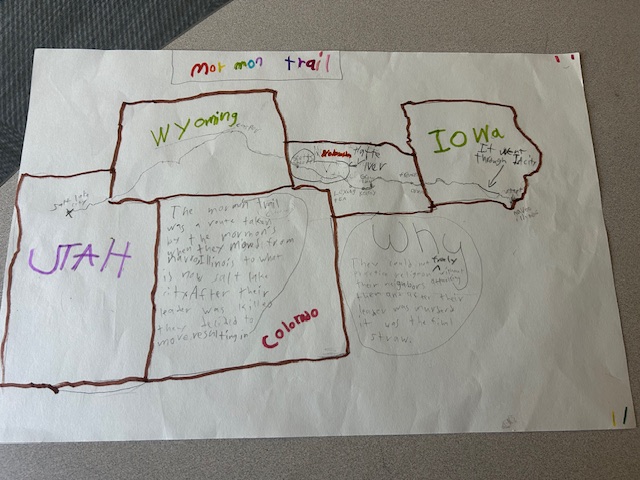
Students worked in small groups, presented to their classmates, and then we hung the posters in the hallway for the entire school to see.
Additional Info
Chelsea Dallman from Iowa City Community School District: IA, 4th Grade
No results found.
There are no results with this criteria. Try changing your search.